Configuration audit
Get comfortable with gcp fundamentals
I’ll be throwing keywords associated with GCP concepts you should know of before reading this.
Summary
Pre-requisites
Make sure the client gave you an account with valid credentials on the Google Cloud Environment. Ideally, you’d want a principal account made for the mission instead of modifying an existing one. MFA should be enabled with a dedicated work device, and this account should see all his permissions deleted after the mission.
The created account should be tied to their own address and domain. You want to avoid adding external domain accounts which are not handled the same way in IAM.
Workforce identity could be considered if the client is using an external IDP and wants to assign IAM roles through a dedicated group, but it’s a lot of hassle for very specific environments constraints and onboarding shall be done before tests day to avoid any delay.
Workforce Identity
This type of login method shows already some more advanced understanding of the Google Cloud tools at disposal. Here’s the documentation for gcloud login using Workforce
Except for particular scope (aka not the whole Environment), you need the following rights to makes all the necessary checks at the organization level :
roles/viewerroles/resourcemanager.folderViewerroles/resourcemanager.organizationViewerroles/iam.securityReviewerroles/iam.serviceAccountViewerroles/monitoring.viewerroles/cloudasset.viewerroles/logging.viewer(optional)`
gcloud cli should be installed and setup on your working environment. Using the CLI and the web console should be tested upstream to ensure permissions have been correctly setup.
Web Console should be valued
I don’t care if people swear by CLI only, verbose output for such environments can sometimes make you miss information. Visual feedback on Web console is actually very useful for both Screenshot of misconfiguration in conjunction with remediation recommendations to precisely pin point any problem.
It is also the reason I prefer asking for a principal account over a service account.
CIS scanning tools
CIS checks are pretty accurate for environments like AWS even though they are more discutable for GCP. They still serve as a baseline for identifying security misconfigurations but all of these should be considered with the client context.
Cloud scanning tools like Scoutsuite and Prowler focus on covering the CIS checks the most possible. Note that they’re not exhaustive and you should still make sure to review everything. Not all security checks are relevant because some target services that might not be used.
Environment Overview
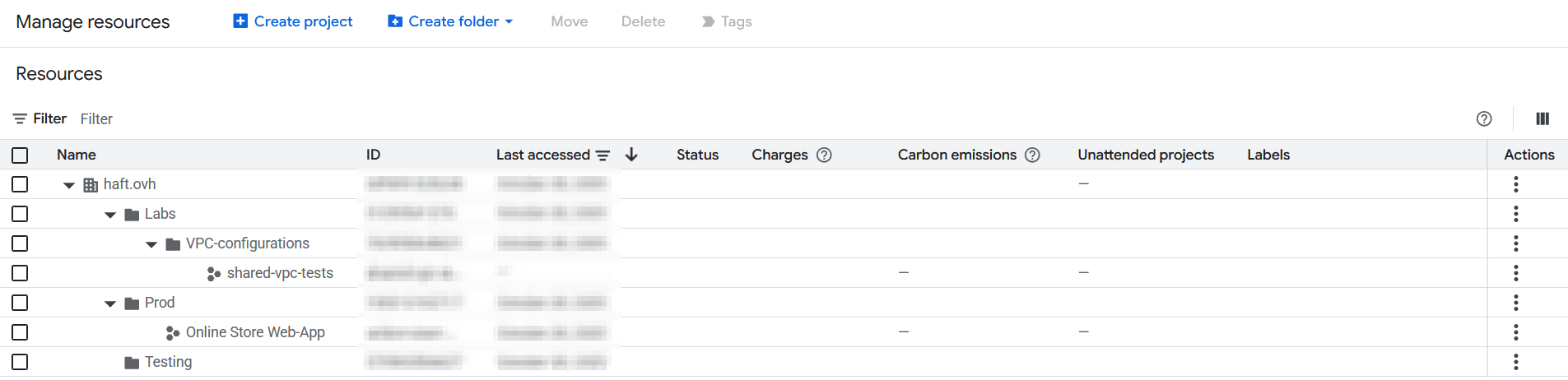
While the scans are running, We should take a look at the Organization structure, folders and projects. The environment’s architecture will help us assess the most critical deployed resources and get some context.
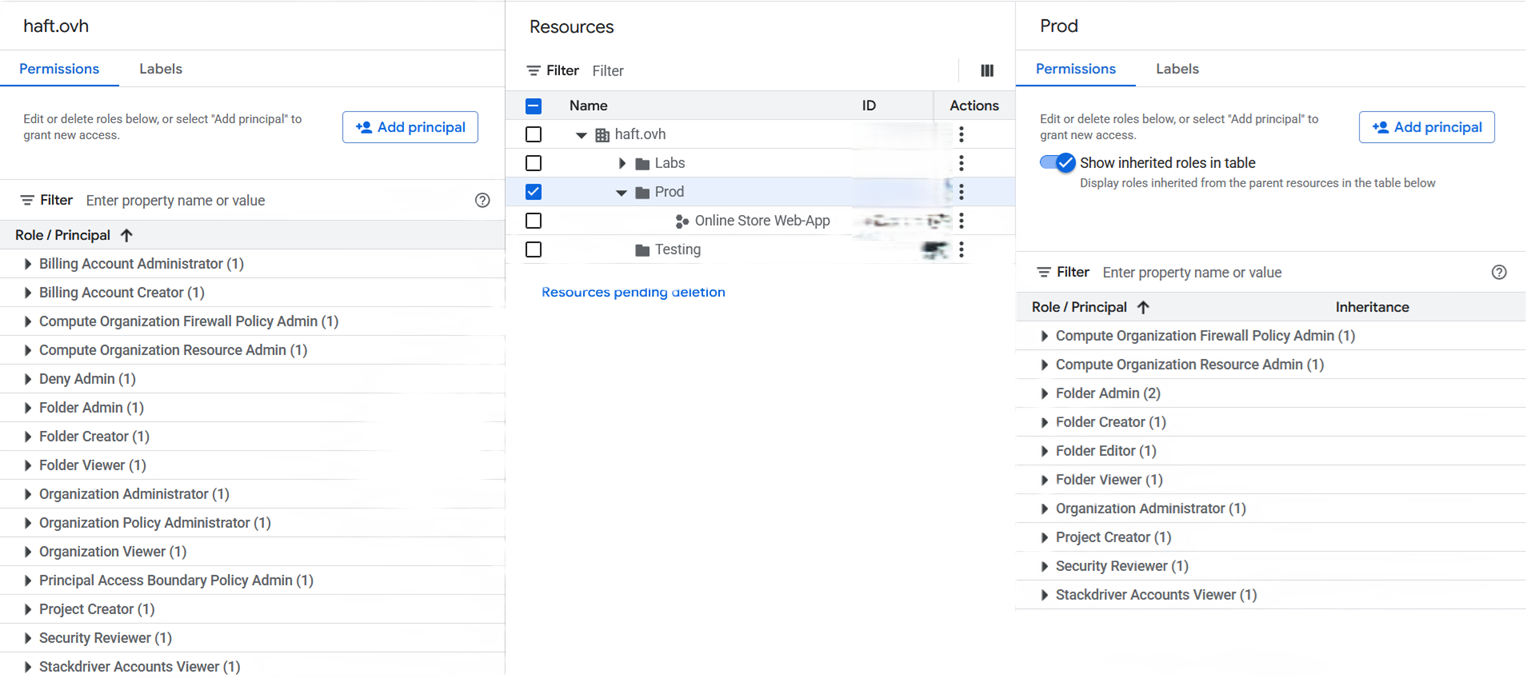
Note that we can visually assess every Role / Principal quickly from a specific organization / folder / subscription :
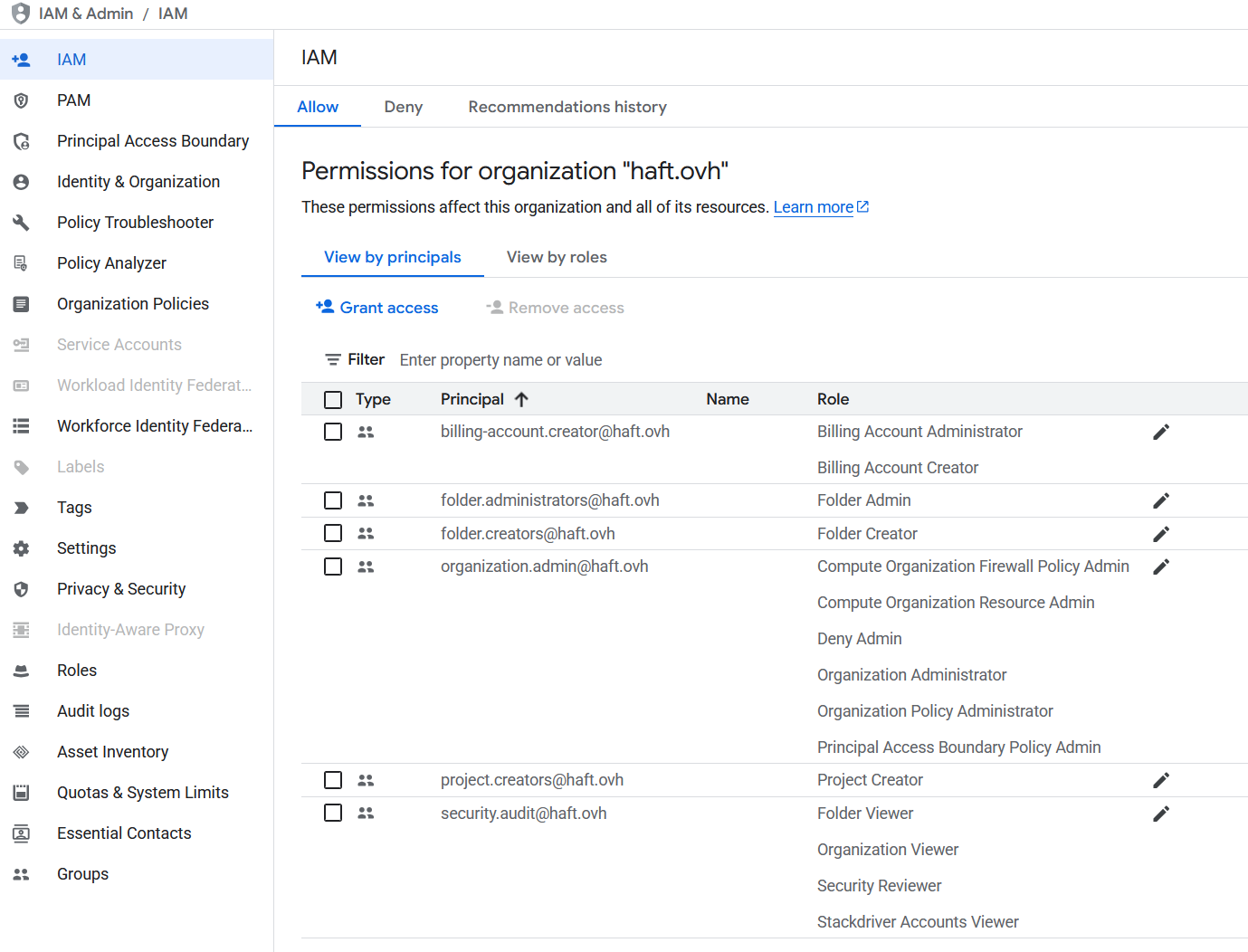
If you need to search for a specific user sorted by Principal, IAM is the way to go :
Unfinished
Still need to adapt the remaining content properly for the note.
Checking network configurations
Checking IAM policies
GCP tools
Services enabled
Any enabled service needs it’s API active to work. As a result, failure upon scanning services will be notified and are to be taken into consideration for the whole scope of the project, and compared with information you were given.
Scoutsuite
Excellent scanning tool with a great output result, here’s the GCP configuration note. They recommend StackDriver Account Viewer, however the service is now called Googles Cloud’s Observability. These are not necessarily used by the customer and you shouldn’t need to enable anything in their environment.
Prowler
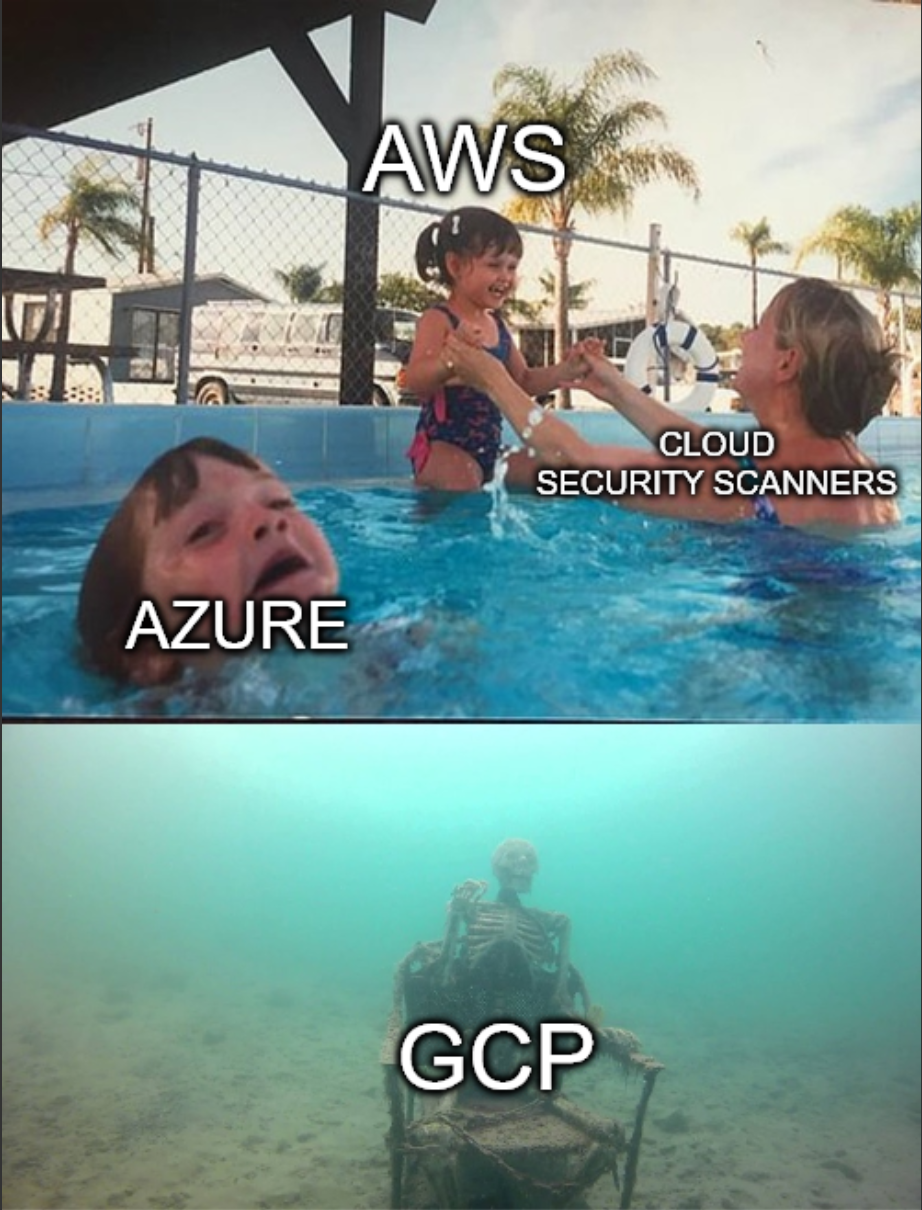
Scoutsuite does a better job at checking for GCP’s resources and configuration though Prowler remains a very simple and effective tool to run in parallel. It is way more thorough for AWS as shown on their github repo :
| Provider | Checks | Services | Compliance Frameworks | Categories | Support | Stage | Interface |
|---|---|---|---|---|---|---|---|
| AWS | 576 | 82 | 38 | 10 | Official | Stable | UI, API, CLI |
| GCP | 79 | 13 | 11 | 3 | Official | Stable | UI, API, CLI |
| Azure | 162 | 19 | 12 | 4 | Official | Stable | UI, API, CLI |
| Kubernetes | 83 | 7 | 5 | 7 | Official | Stable | UI, API, CLI |
| GitHub | 17 | 2 | 1 | 0 | Official | Stable | UI, API, CLI |
| M365 | 70 | 7 | 3 | 2 | Official | Stable | UI, API, CLI |
| OCI | 51 | 13 | 1 | 10 | Official | Stable | CLI |
| IaC | See trivy docs. | N/A | N/A | N/A | Official | Beta | CLI |
| MongoDB Atlas | 10 | 3 | 0 | 0 | Official | Beta | CLI |
| LLM | See promptfoo docs. | N/A | N/A | N/A | Official | Beta | CLI |
| NHN | 6 | 2 | 1 | 0 | Unofficial | Beta | CLI |
Cartography
This one is less on the auditing side but remains very interesting to get a visual footprint of the environment. Not every resources are mapped however and it requires you to be at ease with Neo4J.
GCP Firewall Enum
Checks which computing resources are exposed to the public. Previous scanner already do that but this project is interesting in itself to search specifically in this if you’re not auditing a configuration.
GCP IAM Privilege Escalation
This script tests verifies the IAM roles given that could be used to leverage known privilege elevation technics. It was made by Rhino Security Labs (who publish very interesting Cloud blogs posts by the way).